
How to Get the Most Out of Your Quest 3 (Beginner’s Guide)
9-September-2025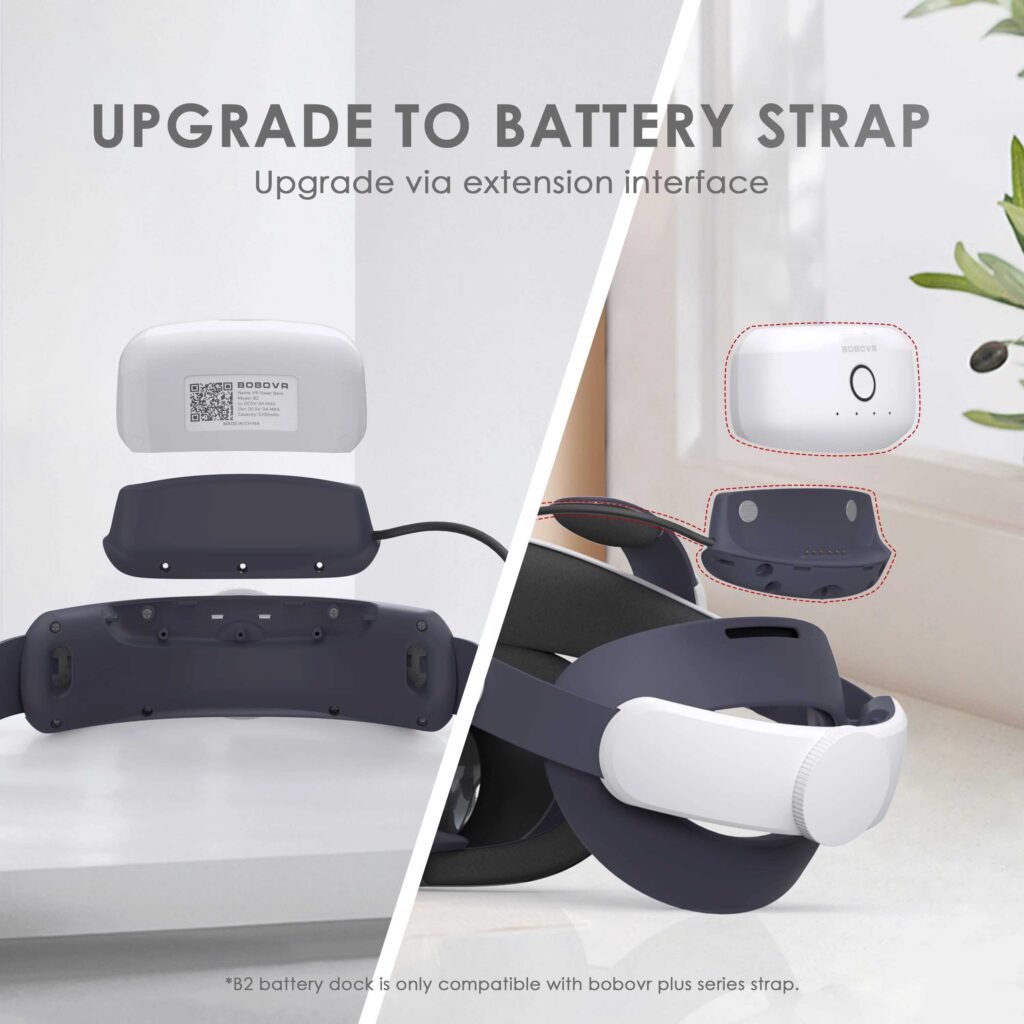
Getting Started with Your Meta Quest 3: Tips, Tricks, and Must-Have Accessories
Just picked up your new Quest 3? Nice choice. It’s one of the best VR headsets out there, blending power, comfort, and immersive visuals. To really get the most out of it, a few small tweaks and accessories can make a big difference.
1. Set Up Your Play Space
Give yourself about 2m x 2m of clear space for room-scale VR. Use the passthrough cameras to mark safe boundaries and avoid bumps. Keep your lighting moderate—too bright or too dark can affect tracking.
2. Make It More Comfortable
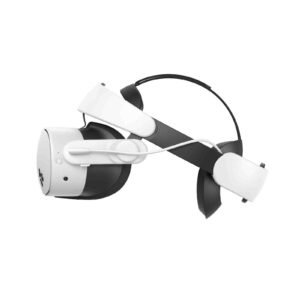
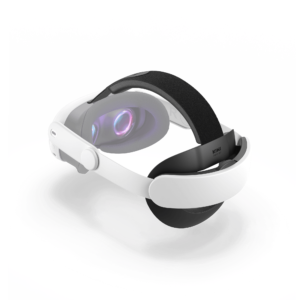
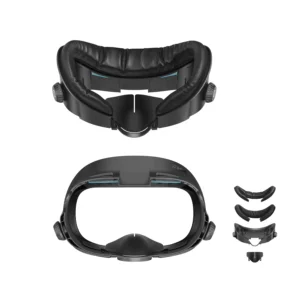
Adjust the IPD (interpupillary distance) until everything looks sharp and natural. If the stock strap feels tight, swap it out for a comfort strap from KIWI Design or BOBOVR. Adding a facial interface helps with airflow and keeps sweat under control during longer sessions.
3. Accessories You’ll Actually Use
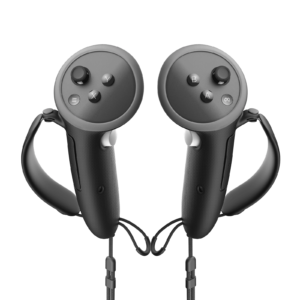
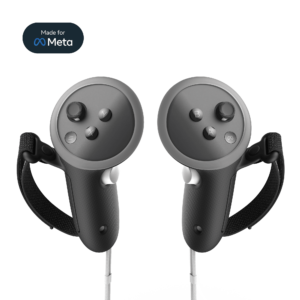
A few add-ons can instantly upgrade your setup. A battery pack keeps you playing longer. Lens protectors prevent scratches, and controller grips give you better control for action-heavy games.
4. Great Games to Start With
If you’re new to VR, start with the essentials:
- Beat Saber for rhythm fun
- Walkabout Mini Golf for relaxing social play
- Supernatural or FitXR for workouts
- VRChat to hang out and explore with friends
5. Keep It Clean and Safe
When you’re done, store your headset in a protective case. Use a microfiber cloth for lens cleaning, and never leave it in direct sunlight—the lenses can get damaged quickly.
The Quest 3 works great right out of the box, but a few thoughtful upgrades make it even better. Once you’re comfortable, try PCVR streaming, mods, or mixed reality apps to explore everything this headset can do.
Tags
Related Articles
Advertising
Advertising
Tags
Related Blogs